Model
Nano Banana for clean, controllable images
Nano Banana is Google's image family, covered here on one page: Pro for highest-detail edits and Nano Banana 2.1 for fast, low-cost, multi-reference composition — both inside the same creator workspace.
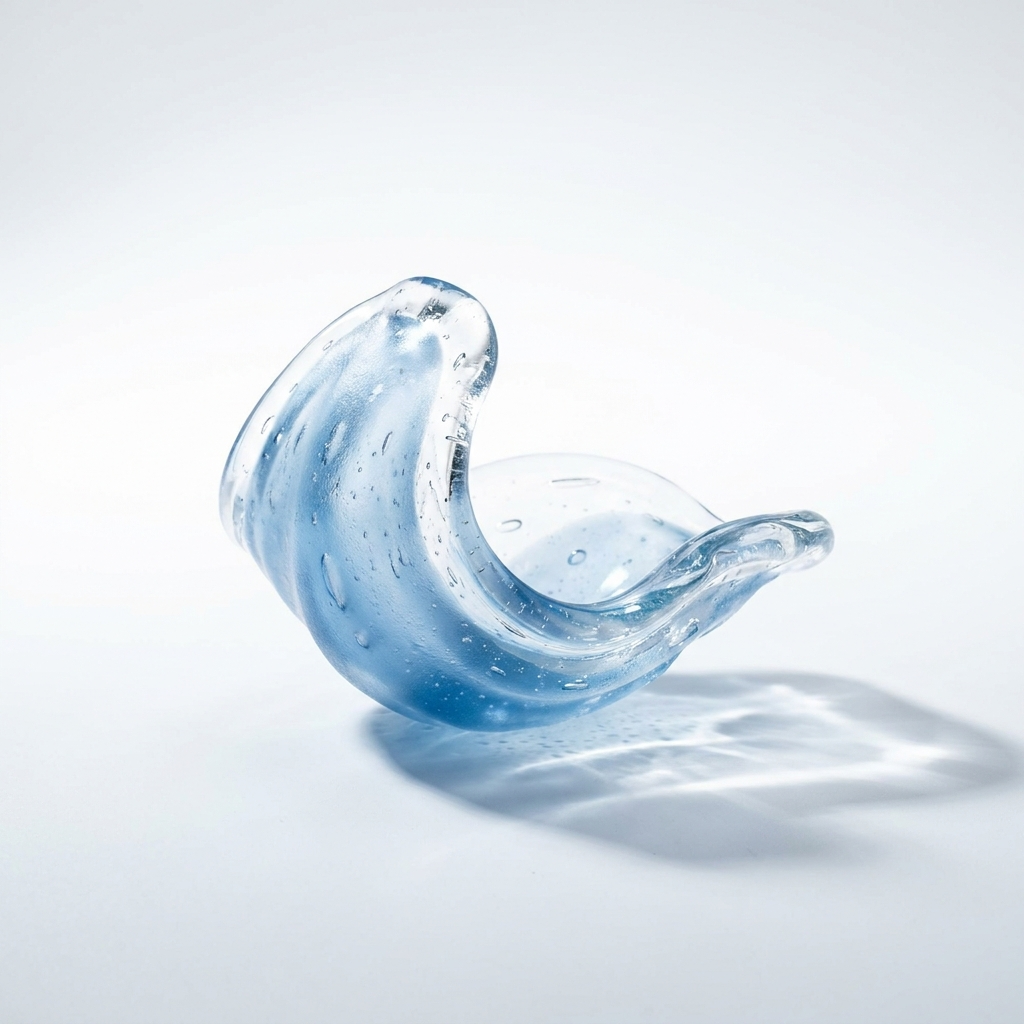
Generated launch example
A white-sweep glass sculpture still
A real, inspectable Nano Banana output — a crisp translucent glass sculpture on a clean white sweep, the kind of editorial product still you can judge before spending credits.
- Default mode
- Pro
- Shape
- 1:1
- Use
- Product still
Prompt
Cozy cafe corner by a bright window, wooden bench with linen cushions, a ceramic mug and an open book on a worn wooden table, potted plants on the sill, soft daylight, warm muted palette.
Pick the Nano Banana mode by intent, not by URL
One public page keeps the family clear while the generator exposes the real choice inside the workflow.
Choice | ProHighest detail | Nano Banana 2.1Fast, multi-reference |
|---|---|---|
Use when | You need the cleanest detail and background control. | You are composing from several reference images or iterating fast. |
Best fit | Hero product stills and editorial layouts. | Scenes built from multiple references, early exploration, and high-volume drafts. |
Billing behavior | Premium credit cost, shown before generation. | The lowest-cost Nano Banana option, never hidden. |
- * Availability and provider pricing can change. The generator checks the credit cost before charging.
Workflow
From image to motion without losing the product
The strongest product video starts with a still frame that already understands the object.
- 01
Generate the clean product still
Lock in label readability, camera angle, background, and lighting before touching video.
- 02
Send the still into image-to-video
Use the finished image as a reference frame for Kling, Seedance, or Veo depending on the motion need.
- 03
Keep billing transparent
Each mode and video generation have separate credit costs, so the preview stays honest.
Nano Banana prompt starts
Fruit soda
“Clean ecommerce image of a sparkling fruit soda can, condensation, vivid label detail, white sweep background, soft commercial shadow.”
Skincare label
“Premium skincare bottle lineup, crisp typography, warm bathroom shelf light, neutral background, no distorted text.”
Editorial flatlay
“Warm editorial flatlay of vintage cameras, notebooks, and architectural photo prints on a sunlit oak desk, layered magazine-cover composition.”
Nano Banana questions
They are modes of one user decision. A single page keeps the comparison and pricing clear instead of splitting near-identical copy across separate URLs.
Pro is the default for the cleanest detail. Use Nano Banana 2.1 when composing from multiple references or when you want fast, low-cost drafts.
Yes when the selected mode supports reference input. You still need rights to any image, logo, or packaging asset you upload.
No. Swayclip is an independent creative tool that shows the real underlying model name.
Make the first frame first
Generate a strong product still, then animate it into video when the image is worth extending.