Model
Kling 3.0 for cinematic motion
Kling 3.0 is a cinematic AI video model from Kuaishou that turns text or a reference image into 5- or 10-second clips at 720p or 1080p. Use Kling when the clip needs controlled motion, stable subject detail, and a more cinematic finish than a cheap iteration pass can usually deliver.
Generated launch example
A rain-soaked neon city reveal from Kling 3.0
A real, inspectable Kling output — a slow push-in down a rain-soaked neon street with reflective wet asphalt and a deep-blue night grade, so you can judge the model's cinematic finish before spending credits.
- Default
- Kling 3.0
- Mode
- Text to Video
- Use
- Neon city reveal
Prompt
Cinematic slow push-in down a rain-soaked neon city street at night, teal and magenta reflections, foreground bokeh, faint drifting mist, no text overlays.
Specs
What Kling 3.0 supports in this workspace
Modes
Text-to-video and image-to-video.
Duration & resolution
5s or 10s, at 720p (standard) or 1080p (pro).
Credit cost
A higher-cost cinematic tier than fast iteration models; the exact credit cost is shown before each run.
When not to use it
Skip Kling for cheap high-volume drafts — use a lighter model for those. You also need rights to any logo or product you upload.
Strengths
Where Kling earns the spend
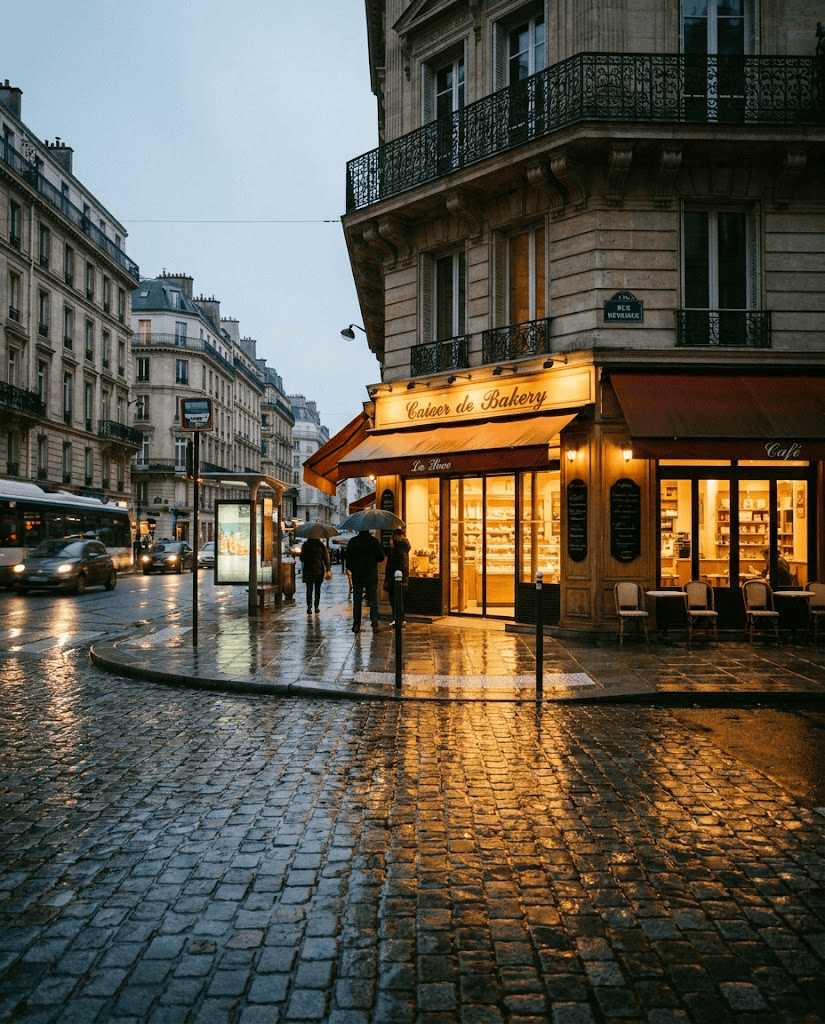
Cinematic motion
Push-ins, dolly, anamorphic feel.
Product coherence
Packaging, logos you own, and silhouettes tend to survive camera motion better.
Physics
Cloth, hair, water — closer to plausible than most.
Kling 3.0 prompt starts
Product hero
“Cinematic push-in on a premium watch resting on dark stone, soft key light, shallow depth of field, slow dolly, controlled reflections, no text overlays.”
Apparel motion
“Model turning in a flowing coat, fabric catching the wind, anamorphic-style framing, golden-hour backlight, smooth coherent motion.”
Image to video
“Animate the uploaded product still with a slow cinematic orbit, keep the packaging and logo stable, subtle ambient light shift.”
Kling 3.0 questions
Choose Kling for stronger cinematic motion and subject stability. Choose Seedance when you need faster social-style iteration.
Kling is a higher-cost cinematic tier; duration and resolution change the credit cost, which is always shown before you generate.
No. Swayclip is an independent creative tool that surfaces the model under its real name.
Try Kling 3.0 for the hero shot
Use it after the product still and prompt direction are worth a more polished pass.