Skip to content
en

Image to Image

Reference images (1–8)
0/5000

Precise edits and high-fidelity image transformations

Cost 15· ETA ~8s

How it works

The workspace keeps setup explicit so you can check the reference, the edit prompt, and the estimated credits before submitting a job.

  1. Upload one or more reference images

    Use clear JPG, PNG, or WebP files. Multiple references help the model lock identity, brand details, or background style.

  2. Describe the edit only

    Name the style, palette, lighting, or composition change. Avoid asking for entirely new subjects — that belongs in text-to-image.

  3. Review cost and result details

    Credits are previewed before generation. If a job fails, credits are returned automatically and the result view records the model used.

Why creator-operators pick this image to image ai

Generate SKU variants without a re-shoot or retoucher booking

An image-to-image workflow turns one hero shot into SKU variants, seasonal colorways, background swaps, and brand-treatment iterations — without re-booking the photographer or queuing a retoucher per deliverable. The source still stays the anchor, so packaging, color, and label detail render through the edit. Same investment in stills, many publish-ready variants.

SKU variants without a re-shoot

Compare takes across Flux 2 Pro, Nano Banana Pro, Imagen 4 Ultra from one reference

One reference image, multiple restyle takes side-by-side. Flux 2 Pro leans editorial, Nano Banana is the fast iterator, Imagen 4 Ultra holds the photoreal end. Upload up to eight references when you need to lock identity, brand details, or composition — the more references you supply, the more closely each take respects the original framing.

Multiple restyle takes · one reference

One credit pool across Flux 2 Pro, Nano Banana, Imagen 4 Ultra — cost preview before run, refunds on technical failure

One credit pool across Flux 2 Pro, Nano Banana, Imagen 4 Ultra — cost preview before run, refunds on technical failure

Flux 2 Pro, Nano Banana Pro, Nano Banana, Imagen 4 Ultra, and other edit-leaning models all draw from one shared credit pool. The cost preview shows the credit delta when you change model or aspect, so comparing two engines on the same edit is a checkout decision, not a new vendor relationship. Failed jobs (technical errors) refund credits automatically.

6+ edit models · 1 credit pool · refunds on technical failures

Who gets the most value from image to image ai

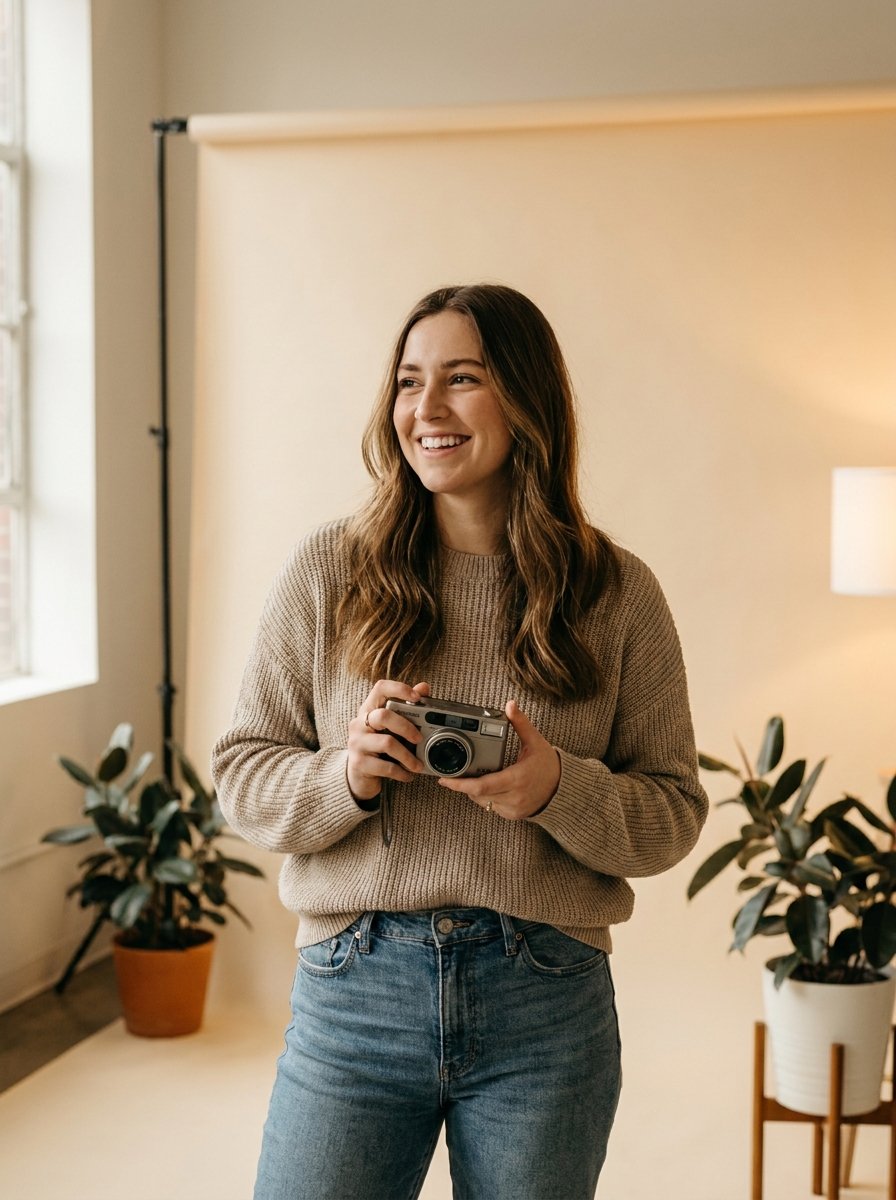
Freelance photographers & solo designers

Freelance photographers & solo designers

Turn one hero shot into the SKU variants, seasonal colorways, background swaps, and brand-treatment iterations — without a re-shoot or a retoucher booking per deliverable. Ship client and product deliverables on the same invoice.

A studio hero shot becomes ten on-brand variants in an afternoon. The photographer ships the original plus the variants on the same invoice and skips the per-SKU reshoot the client used to budget for.

E-commerce product teams

E-commerce product teams

Generate PDP variants at scale — colorways, lifestyle contexts, seasonal backgrounds — without re-booking the studio for every SKU. One reference, many publish-ready variants.

A 30-SKU launch needs lifestyle PDP variants in two weeks. The product team uses one studio hero per SKU as the reference and generates the lifestyle backgrounds across the catalog without a second shoot.
Brand designers & solo creative studios

Brand designers & solo creative studios

Iterate poster comps, treatment variations, and client concepts on top of an existing reference — multiple palette directions without rebuilding from source files.

A poster concept becomes three palette directions during the same client review. The designer locks the direction the client picks and brings only that one back into the source tool for the final polish.
Inspiration: image to image prompts that work

Use these patterns when you already have a strong source image and want a controlled variant instead of a brand-new scene. Specific medium, palette, and lighting language make the image to image ai land more predictably — vague style words leave the engine to guess what restyle a photo should mean for your particular subject.

Product restyle

Restyle the sneaker shot as a clean studio hero image with seamless backdrop, soft rim light, and crisp packaging-ready edges.

Keep the prompt focused on lighting and background — the subject already exists in the reference.

Background swap

Swap the busy living room behind the subject for a soft, neutral gradient backdrop, keep skin tone and clothing unchanged.

Best when the subject has clean edges in the source image.

Style transfer

Reinterpret the photo as a watercolor poster, keep the layout and main subject, soften textures and brighten colors.

Specific medium and color words make style transfer more consistent.

Image to image ai FAQ

What kind of source image works best?

A sharp image with the main subject clearly visible. Studio product photos, portraits, and packaging shots tend to restyle more consistently than crowded scenes. The image to image workflow preserves what your source already contains; it does not invent missing detail, so the cleaner the input, the more controlled the output of every restyle a photo run.

Can I keep identity or brand details exact?

Ask the model to preserve identity, logos, or product shape — and upload extra references for stronger lock. The image to image ai still introduces small drifts in hands, fine text, and intricate background detail; always review every edit before publishing to paid placements or to client deliverables.

How many references can I use?

Up to eight reference images per job, depending on the selected model. More references usually mean stronger identity lock and clearer style direction. The workspace treats the first upload as the primary anchor and the rest as supporting context, which is how reference-driven photo restyle ai workflows typically run.

Is image to image ai free to try?

New accounts include starter credits that cover several runs on entry-tier models, so the engine works as an ai photo editor free of upfront commitment for first-time projects. After that, runs draw from a single shared credit pool — no per-model subscription wall, no separate signup for an ai background swap or restyle tier.

Can it act as an image variant generator for ecommerce?

Yes. The photo restyle ai workflow is well suited to colorway variants, background swaps, and lighting changes on a single hero shot — the most common image variant generator use case in ecommerce. Keep prompts narrow (one change at a time) and keep brand-critical elements visible in the source image for the highest fidelity.

Do I need to choose a model first?

Start with the default — Flux 2 Pro is the editorial-leaning generalist. The picker exposes Nano Banana Pro, Nano Banana, Imagen 4 Ultra, and other ai image editor options when you want a different look, faster turnaround, or specific style strengths. Each option ships with a short note on what it is good at.

Restyle, retouch, or rebuild any image — the image to image ai you can iterate with