
Model
GPT Image 2.5 for precise edits and clean visuals
GPT Image 2.5 is OpenAI's image model for precise instruction following and readable in-image text. Use it when the brief is specific: follow instructions closely, keep in-image text readable, and make controlled edits to a reference image inside one creator workspace.
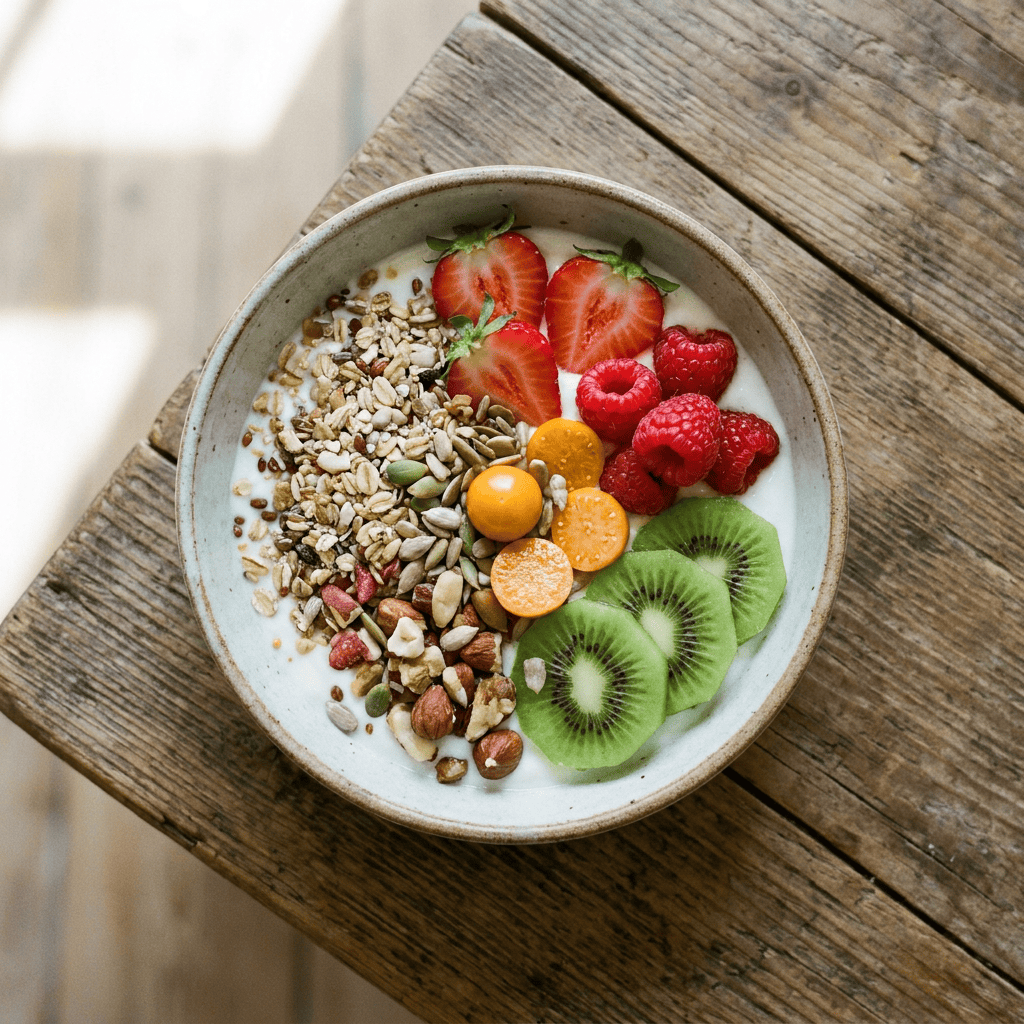
Generated launch example
A clean, detailed overhead food still
A real, inspectable GPT Image output. The strength shows in controlled detail — distinct textures, accurate color, and a tidy composition you can brief precisely.
- Default mode
- Text to Image 1K
- Shape
- 1:1
- Use
- Food still
Prompt
Overhead breakfast bowl on a rustic wood table, granola, fresh strawberries, kiwi slices, and raspberries arranged neatly, soft natural light, crisp texture detail, neutral styling, no text.
Specs
The model for briefs that have to be followed exactly
Reach for GPT Image 2.5 when the value is in accuracy: instructions honored, text legible, and edits that stay close to the reference instead of reinventing it.
Primary workflow
Text-to-image generation and image-to-image edits, available at 1K, 2K, and 4K resolution paths.
Best use
Precise prompts, readable in-image text, packaging and editorial stills, and controlled edits to a reference image.
Resolution choice in context
1K is the default for fast iteration; step up to 2K or 4K for hero assets where detail matters. Higher resolution costs more credits, shown before you generate.
Commercial boundary
Paid commercial rights do not grant rights to logos, brand assets, or reference images you do not own.
Workflow
Brief it, generate it, then edit it down
GPT Image 2.5 rewards treating the prompt as a spec and using image-to-image to refine rather than restart.
- 01
Write the brief, not a mood
State the subject, framing, lighting, and any exact on-image text up front instead of a loose cinematic paragraph.
- 02
Edit from a reference
Use image-to-image to adjust an existing visual — swap a background, fix a detail, change a colorway — while keeping the rest intact.
- 03
Keep billing transparent
Each resolution path has its own credit cost, shown before generation, so a 4K hero never surprises you at checkout.
GPT Image 2.5 prompt starts
Packaging with text
“Front-facing product image of a tea tin with the readable label EARL GREY in clean serif type, soft studio light, neutral background, accurate small print, no distorted text.”
Reference edit
“Take the uploaded product photo and replace the cluttered background with a clean white sweep, keep the product, lighting, and label exactly as-is.”
Editorial poster
“Minimal editorial poster layout for a coffee brand, large legible headline MORNING RITUAL, balanced negative space, muted warm palette.”
GPT Image 2.5 questions
Choose it when instruction accuracy and readable in-image text matter more than a particular artistic style — product packaging, editorial layouts, and precise reference edits.
They set the output resolution. 1K is the fast default; 2K and 4K add detail for hero assets and cost more credits, always shown before you generate.
No. Swayclip is an independent creative tool that shows the real underlying model name.
Start with a precise brief
Generate at 1K to lock the composition, then step up resolution or edit from a reference when the image is worth finishing.