
Every ecommerce store already owns its best video asset: the product photo. AI image-to-video turns that photo into a short clip — a rotating listing video, a vertical ad, a landing-page hero — without a studio day, a freelancer round-trip, or an editing timeline.
This guide shows the full path with real, unretouched outputs: each video below was generated from the single source photo shown right above it, and the exact prompt and credit cost are listed. Nothing here is a mockup.
Why video beats a static photo on product surfaces
Product pages and social feeds treat video differently from stills: feeds autoplay it, listings rank it, and shoppers watch motion longer than they study a photo. The practical blocker was never "should we have video" — it was that a single 15-second product clip used to cost $20–100 outsourced, per product, per revision. Image-to-video collapses that to credits and minutes, which changes what's worth testing.
What your source photo needs
Image-to-video animates what's in the photo — that's its power and its hard limit. Before generating, check three things:
- The product fills most of the frame. Standard catalog shots work great.
- Light is even and the shot is sharp. The model inherits your photo's quality; it doesn't repair it.
- The aspect matches the output. Vertical source for a 9:16 ad, wide source for a 16:9 listing — image-to-video models follow the source's shape.
It will not invent readable labels, fix blur, or add product details that aren't there. If a claim isn't visible in the photo, it won't be in the video.
The three ecommerce video jobs (and what each costs)
1. The listing video — calm 360° turntable
The default upgrade for any product page. The source photo, and the listing video generated from it:
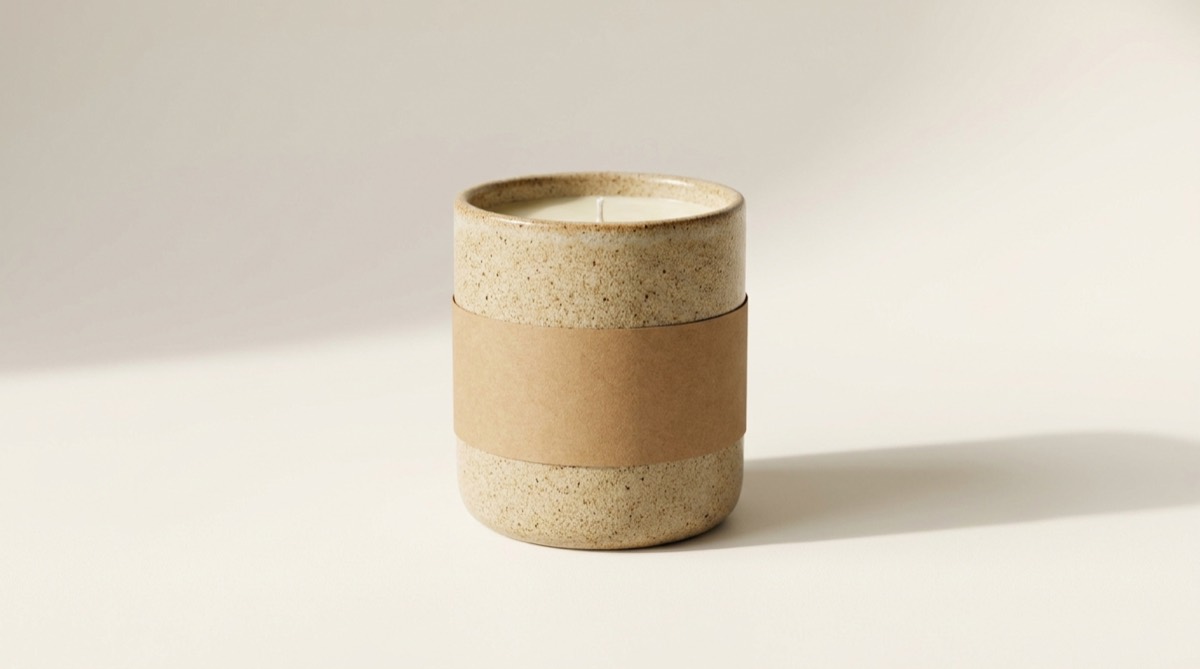
Clean e-commerce listing video of this product on a seamless clean studio background with soft key light: slow 360-degree turntable rotation, even lighting, no camera shake, product fully in frame throughout.
Generated with Hailuo 2.3 (since retired) from a single candle photo (75 credits at the time, for 6 seconds at 768p). The Listing video goal now runs this kind of clip on Grok Imagine: 30 credits for 6 seconds.
2. The vertical ad — TikTok / Reels energy
Volume game: you want several variants cheap, then boost the winner. One vertical sneaker photo in, one vertical ad out:
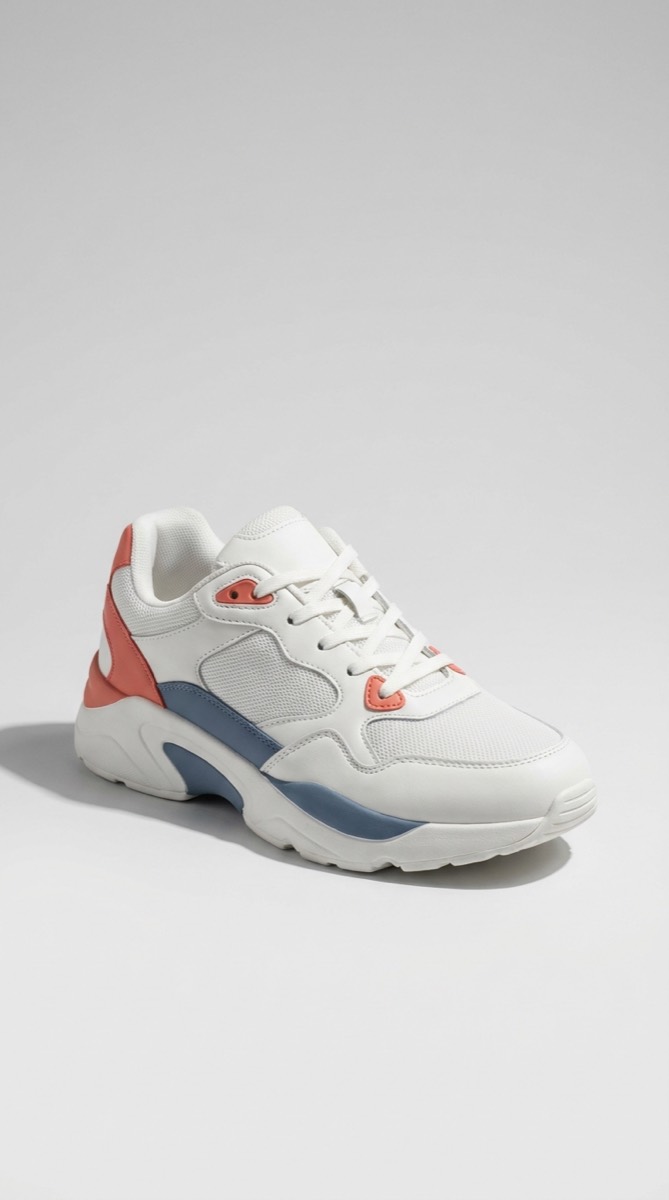
Fast-paced vertical showcase of this product in a casual real-life setting with handheld UGC energy and natural daylight: three quick angle changes around the product, subtle handheld energy, end on a hero close-up.
Generated with Grok Imagine — 30 credits for a 6-second 9:16 clip. On Swayclip, free signup credits cover a complete test run at this tier, so you can validate the format before paying anything.
3. The hero shot — one premium clip for the landing page
Spend once, where it counts. From a flat serum packshot to a lit reveal:
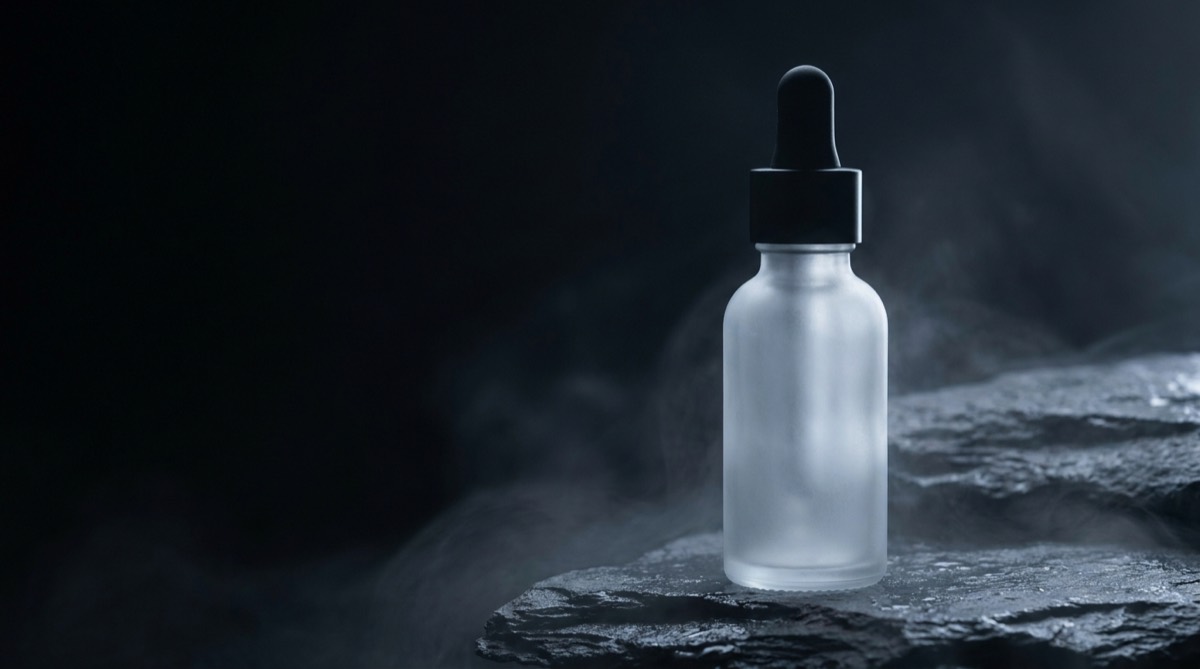
Premium reveal of this product in a premium dark scene with dramatic rim lighting and subtle reflective surfaces: the product emerges from soft shadow into a spotlight, slow orbital move, elegant pacing.
Generated with Kling 3.0 in pro mode — 1080p with native audio, roughly 150 credits for 5 seconds. The economics: draft your framing on the cheap vertical tier first, then run the hero shot once you know the angle.
Workflow: one photo → a testable set
The efficient loop for a store with many SKUs:
- Draft cheap. Run the vertical tier (30 cr) on 3–5 products to find which categories animate well.
- Upgrade the winners. Listing turntables (30 cr) for product pages, one hero shot (≈150 cr) for whatever leads your campaign.
- Vary without re-shoots. Re-run the same photo with a different style or template for A/B creatives — no new photography, ever.
On Swayclip this whole loop lives in one page: the AI Product Ad Generator routes each goal to the right model automatically, previews the exact credit cost before you generate, refunds failed jobs, and files every result in your assets for reuse. If you'd rather control every parameter yourself, the underlying Image to Video tool exposes the full model list.